FM WhatsApp Old Versions Download All Previous APK Files (2026)
Not every user needs the latest version. Some phones run better on lighter builds, some users miss features that got removed, and others simply prefer what they already know. Whatever your reason, this page gives you honest information about FM WhatsApp old versions — what they offer, what risks they carry, and which ones are worth downloading.
What Are FM WhatsApp Old Versions?
Every few months, FM WhatsApp developers release a new update with bug fixes, new features, and security improvements. When a new version comes out, the previous one becomes an “old version.”
Old versions are not broken — they still work. But they no longer receive updates, security patches, or support from developers. This means they carry more risk than the latest release.
Each FM WhatsApp version has:
A unique version number (v8.35, v9.98, v10.10 etc.)
Its own APK file size
A base WhatsApp version it was built on
Its own set of features and stability level
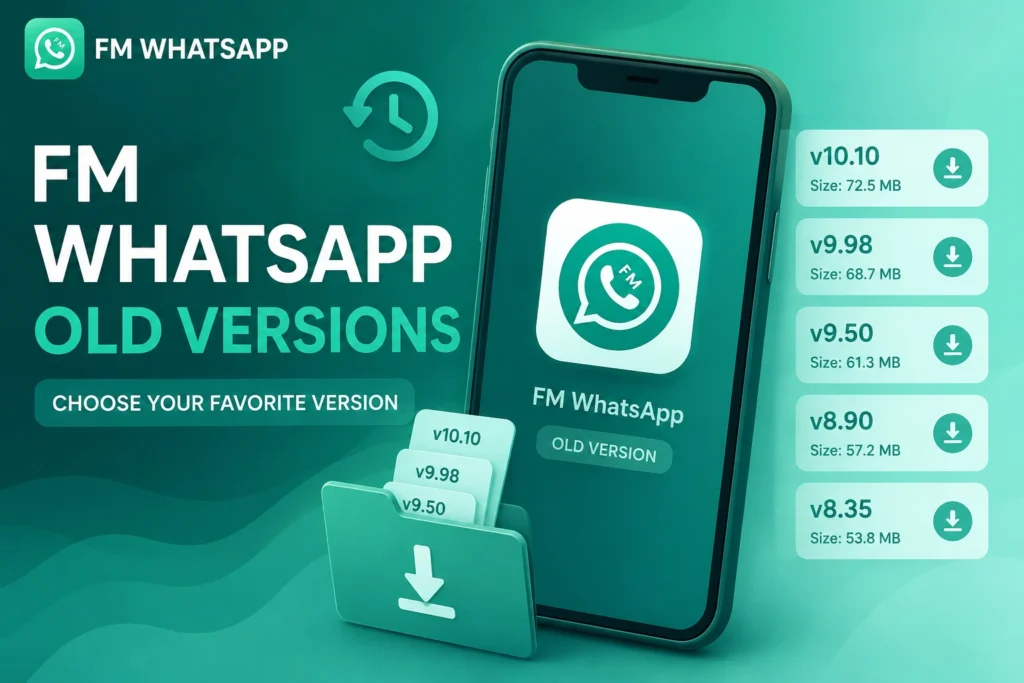
All FM WhatsApp Old Versions List
| Version | Size | Base | Year | Download |
|---|---|---|---|---|
| v10.10 | 79 MB | 2.24.11.79 | 2026 | Download |
| v10.5F | 77 MB | 2.24.9.80 | 2025 | Download |
| v9.98 | 87 MB | 2.23.20.75 | 2024 | Download |
| v9.93 | 76.5 MB | 2.23.12.76 | 2023 | Download |
| v9.82 | 70.9 MB | 2.22.15.75 | 2022 | Download |
| v9.74 | 73 MB | 2.22.10.74 | 2022 | Download |
| v9.45 | 73 MB | 2.21.22.26 | 2021 | Download |
| v9.11 | 69 MB | 2.19.71 | 2019 | Download |
| v8.65 | 59.8 MB | 2.19.51 | 2021 | Download |
| v8.51 | 44.3 MB | 2.19.51 | 2020 | Download |
| v8.45 | 41.8 MB | 2.19.51 | 2019 | Download |
| v8.40 | 41.8 MB | 2.19.51 | 2019 | Download |
| v8.35 | 40 MB | 2.19.51 | 2018 | Download |
| v7.60 | 28 MB | 2.18.93 | 2018 | Download |
| v6.90 | 28 MB | 2.17.352 | 2017 | Download |
Reasons Why Users Still Download FM WhatsApp Old Versions
| Reason | Explanation |
| Familiar Interface | Old layout feels more comfortable — new design changes can be annoying |
| Removed Features | Some features get removed in new updates — old versions still have them |
| Better on Old Phones | Lighter versions run smoother on low-end Android devices |
| Less Storage Needed | Old versions have smaller APK size — great for phones with limited space |
| Simpler Experience | Newer versions can feel overloaded — old ones keep it simple |
| Specific Version Preference | Some users tested all versions and found one specific version works best for them |
Download FM WhatsApp Old Versions APK (2026 Updated)
Old FM WhatsApp versions are still popular among users who prefer lightweight performance, older features, or better compatibility with low-end Android phones. Choose and download the version that best matches your device and needs.
Best FM WhatsApp Old Versions Still Worth Using in 2026
FM WhatsApp v9.98
Key highlights:
One of the most downloaded old versions. v9.98 offered a great balance between features and performance. It included improved privacy settings, better theme support, and stable anti-delete functionality. Many users consider it the sweet spot between old and new.
- Strong privacy controls
- Better theme support than earlier versions
- Stable performance with fewer crashes
- Suitable for mid-range Android phones
FM WhatsApp v9.82
A favorite among users who want a reliable, lightweight experience. v9.82 runs smoothly on older Android phones and consumes less battery and storage than newer releases.
Key highlights:
- Very stable build
- Lightweight — great for old phones
- Basic customization and privacy features
- Status download feature included
FM WhatsApp v8.35
One of the lightest and oldest versions still being downloaded. v8.35 is extremely simple and works on even the oldest Android devices. It lacks many modern features but offers a clean, fast experience.
Key highlights:
- Only 40MB in size
- Works on very old Android phones
- Simple and easy to use
- Basic themes and privacy options
FM WhatsApp v6.90
A classic version loved for its simplicity. v6.90 was extremely lightweight at just 28MB and worked perfectly on very old Android phones. While it lacks modern features, users loved its clean design and fast performance.
Key highlights:
- Only 28MB — smallest version
- Works on Android 4.0+
- Very simple and user friendly
- Basic privacy features
Common Features in FM WhatsApp Old Versions
Even old versions include these popular features:
- Hide online status and blue ticks
- Anti-delete messages and status
- Custom themes and fonts
- App lock and chat lock
- Send large video and image files
- Message scheduler and auto reply
- Status downloader
- Hide media from gallery
Benefits of Using FM WhatsApp Old Versions
Lightweight and Fast Old versions have smaller APK sizes and use less RAM — perfect for users with limited storage or older phones.
Smooth on Old Devices If your phone is running Android 5 or 6, the latest version may lag. An older FM WhatsApp version often runs much more smoothly.
Familiar Experience Users who have been using a specific version feel comfortable with it. Sudden interface changes in new updates can be frustrating.
Less Battery and Storage Usage Older versions are generally lighter on battery and storage compared to newer feature-heavy updates.
Risks of Using FM WhatsApp Old Versions
| Risk | Details |
|---|---|
| Security Vulnerabilities | No latest security patches, making your device more vulnerable to security threats. |
| High Ban Risk | Older modified versions are easier for WhatsApp to detect, increasing the chance of account restrictions. |
| Bugs & Crashes | Older releases may contain unresolved bugs that can cause unexpected app crashes. |
| Compatibility Issues | Some old versions may not work properly on newer Android devices. |
| Server Disconnection | Outdated versions can stop working when WhatsApp updates its servers. |
| No Developer Support | Old versions no longer receive bug fixes, security updates, or official support. |
FM WhatsApp Old Versions vs Latest Version
| Feature | Old Versions | Latest Version |
|---|---|---|
| Security Level | ⚠️ Outdated security patches | ✅ Regular security improvements |
| Performance on Old Phones | ✅ Lightweight and faster | ⚠️ Can be heavier on older devices |
| Available Features | ⚠️ Limited to older functionality | ✅ Includes the newest features |
| APK Size | ✅ Smaller download size | ⚠️ Larger due to new features |
| App Stability | ⚠️ May contain unresolved bugs | ✅ Better optimized and more stable |
| Account Safety | ❌ Higher risk of account restrictions | ⚠️ Lower risk, but not completely risk-free |
| Android Compatibility | ⚠️ Limited support for newer Android versions | ✅ Better compatibility with modern devices |
| Updates | ❌ No longer receives updates | ✅ Frequently updated with fixes and improvements |
Common Problems in Old Versions and How to Fix Them
App Not Opening Old versions stop working after WhatsApp updates its servers. Fix: Download a newer version or the latest release.
Verification Problems OTP verification fails on outdated versions. Fix: Switch to a newer version that supports current WhatsApp servers.
Messages Not Sending Old versions lose connection with WhatsApp servers over time. Fix: Clear cache, restart app, or upgrade version.
App Crashing Unresolved bugs cause unexpected crashes. Fix: Clear app data, reinstall the same version, or try a different old version.
Media Not Downloading Photos and videos fail due to server incompatibility. Fix: Check storage permissions and free up space, or upgrade version.
Who Should Use Old Versions?
✅ Users with old Android phones (Android 5 or 6) ✅ Users who dislike new design changes ✅ Users who need a specific removed feature ✅ Users with very limited phone storage
Who Should Avoid Old Versions?
❌ Users who care about privacy and security ❌ Users who use WhatsApp for important work ❌ Users who cannot risk losing their account ❌ Users who want a stable long-term experience
💡 Safety Tips
- Never use your primary number — always use a secondary number
- Keep regular chat backups before every update
- Avoid sharing sensitive personal information
- Be ready to update immediately if the app stops working
- Always download from trusted websites only
- Scan the APK with antivirus before installing
FAQs
Final Verdict
FM WhatsApp old versions are still downloaded by thousands of users for valid reasons — lighter performance, familiar interface, and compatibility with older devices. However they carry serious risks including security vulnerabilities, frequent crashes, and a high chance of account ban.
If your phone supports it, always use the latest FM WhatsApp version for the safest and most stable experience. Old versions should only be a last resort.