FM WhatsApp for iPhone (iOS) Download 2026 – Real Truth Explained
Looking for FM WhatsApp for iPhone? Here is the honest answer: FM WhatsApp does not officially work on iOS devices. Many websites claim to offer “FM WhatsApp for iPhone download,” but most are misleading and can put your privacy at risk. In this guide, you’ll learn what FM WhatsApp is, why it does not work on iPhone, common risks, and safer alternatives for iOS users.
What is FM WhatsApp?
FM WhatsApp is a modified version of the official WhatsApp Messenger. It is created by third-party developers and includes many extra features that are not available in the original app.
People use FM WhatsApp because it offers:
- Advanced privacy settings
- Hide online status and blue ticks
- Custom themes and fonts
- Anti-delete messages and status
- Larger media sharing limits up to 1GB
- Auto reply and message scheduler
- More control over chats and contacts
These extra features make FM WhatsApp extremely popular among Android users. Because of this popularity, many people search for FM WhatsApp for iPhone download to see if the same features are available on iOS.
Can FM WhatsApp Be Installed on iPhone?
Short Answer: No ❌
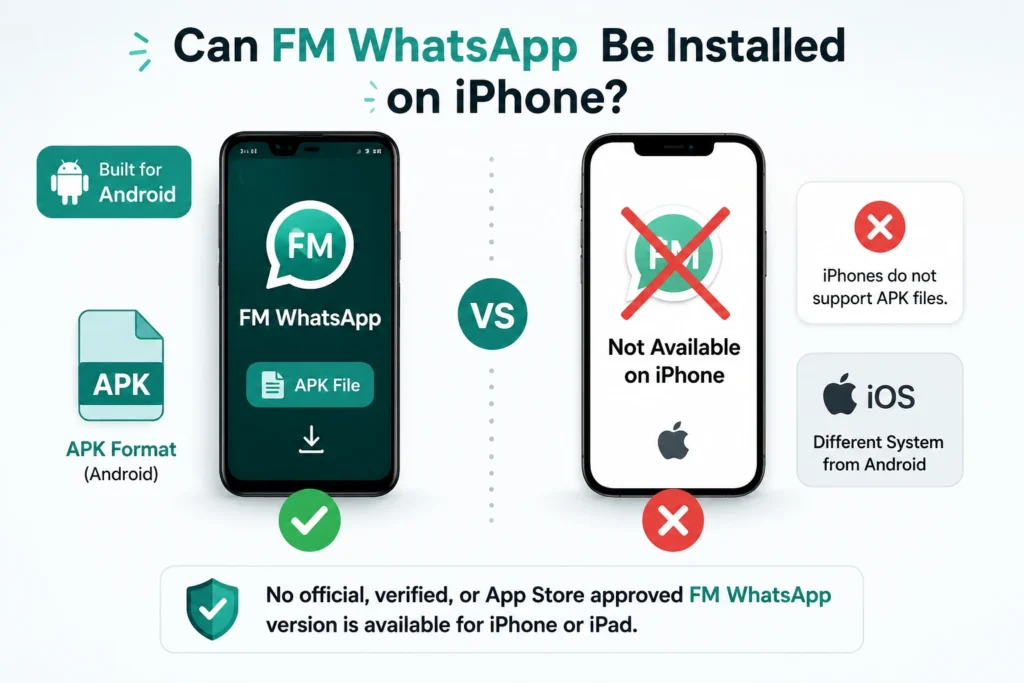
FM WhatsApp is built exclusively for Android devices. It comes in APK format — a file type that iPhones do not support at all. Apple’s iOS system is completely different from Android, and FM WhatsApp was never designed or tested for iPhone.
There is no official, verified, or App Store approved FM WhatsApp version available for iPhone or iPad.
Why FM WhatsApp Does Not Work on iOS
| Reason | Explanation |
|---|---|
| No APK Support | iOS does not support APK files — Android only |
| Closed System | Apple only allows App Store approved apps |
| No System Access | iOS blocks the permissions FM WhatsApp needs |
| No Code Signing | Unofficial apps cannot pass Apple security check |
| Strict App Review | Modified apps are rejected by Apple automatically |
1. iOS is a Closed System
Unlike Android, Apple does not allow users to install apps from unknown sources. On iPhone, apps can only come through the App Store — which blocks modified apps like FM WhatsApp.
2. FM WhatsApp Uses APK Files
FM WhatsApp comes in APK format which only works on Android. iPhones use a completely different system — even if you download the APK, it simply will not work on iPhone.
3. Apple Blocks Modified Apps
Apple follows strict security rules. Apps that modify original services like WhatsApp mods are blocked because they do not follow App Store policies.
4. Security and Privacy Restrictions
Apple focuses heavily on privacy and device protection. Since FM WhatsApp is made by third-party developers and not officially approved, Apple prevents it from running on iOS.
Why Do People Search for FM WhatsApp for iPhone?
Many iPhone users search for FM WhatsApp iOS download because they want more control and extra features. Here are the main reasons:
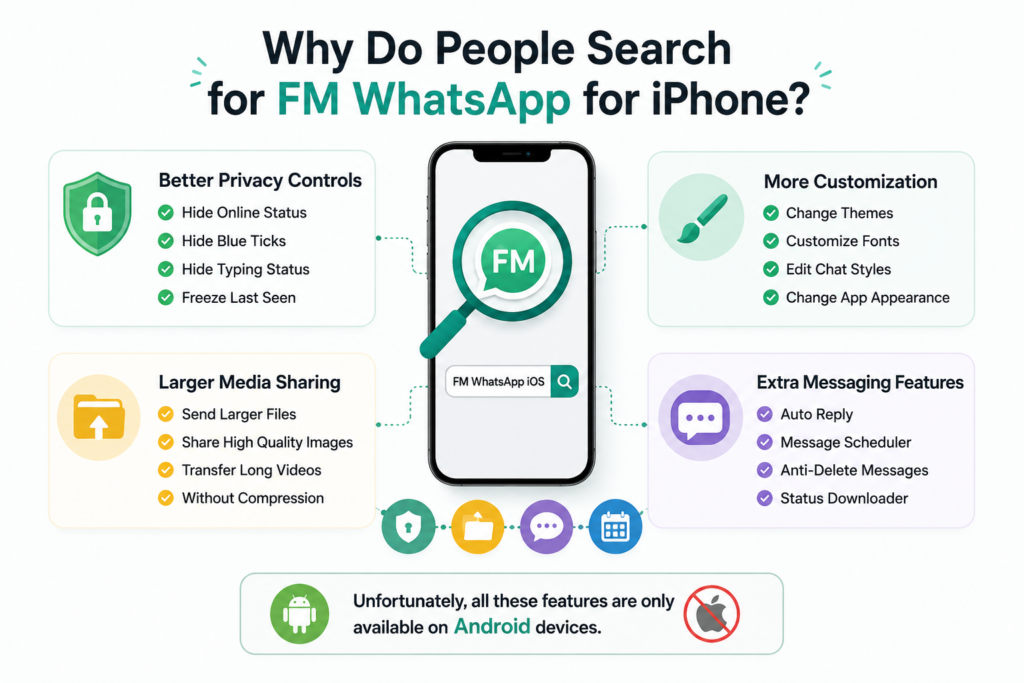
Better Privacy Controls Many users want to hide online status, hide blue ticks, hide typing status, and freeze last seen. These features give more privacy while chatting.
More Customization Unlike the official app, FM WhatsApp on Android allows users to change themes, customize fonts, edit chat styles, and change the entire app appearance.
Larger Media Sharing People also want to send larger files, share high quality images, and transfer long videos without compression.
Extra Messaging Features Features like auto reply, message scheduler, anti-delete messages, and status downloader make FM WhatsApp popular among advanced users.
Unfortunately, all these features are only available on Android devices.
Why Do Fake Websites Claim “FM WhatsApp for iPhone”?
Many websites publish fake FM WhatsApp iOS download pages. Their real goal is not to help you — it is to generate ad revenue from your clicks, trick you into completing fake surveys, install unsafe certificates on your device, and redirect you to sponsored or harmful pages.
Common fake tricks they use:
Renaming Android APK files as fake IPA files
Asking you to install unknown configuration profiles
Promising “no jailbreak required” downloads that never work
Fake certificates that stop working after a few days
Risks of Trying Fake FM WhatsApp on iPhone
| Risk | Details |
|---|---|
| Malware | Fake files can contain harmful software |
| Data Theft | Personal data and Apple ID can be stolen |
| Account Ban | WhatsApp may permanently ban your number |
| Device Instability | Unauthorized profiles can crash your phone |
| Certificate Revoke | Apple removes fake certificates — app stops working suddenly |
| Privacy Breach | Fake apps ask for unnecessary permissions |
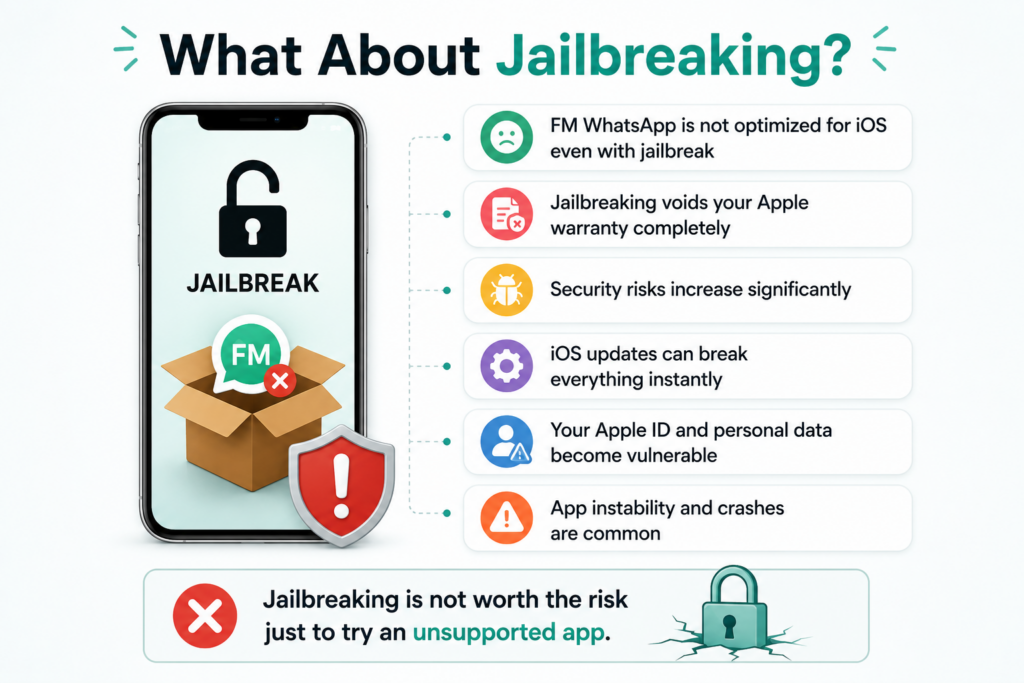
What About Jailbreaking?
Technically, some users try modified apps through jailbreaking, but it is not recommended because:
It reduces device security
May void Apple warranty
Apps can stop working after iOS updates
Personal data may become vulnerable
Even after jailbreaking, FM WhatsApp still does not properly support iOS.
Common Problems Users Face
FM WhatsApp Not Installing
This happens because iOS blocks unofficial apps and APK files do not work on iPhone. Fake installation methods always fail.
Certificate Error
Some websites ask users to install certificates. These stop working after some time because Apple blocks unauthorized apps automatically.
Verification Problems
Unofficial apps fail during phone number verification. This is another reason to avoid fake FM WhatsApp iPhone downloads.
App Crashing
Modified apps are not designed for iOS systems so crashes are extremely common even if installation somehow works.
FM WhatsApp vs Official WhatsApp on iOS
| Feature | FM WhatsApp (Android) | WhatsApp on iOS |
|---|---|---|
| Custom Themes | ✅ Yes | ❌ No |
| Hide Typing Status | ✅ Yes | ⚠️ Limited |
| Hide Online Status | ✅ Yes | ✅ Yes |
| Hide Blue Ticks | ✅ Yes | ✅ Yes |
| Anti-Delete Messages | ✅ Yes | ❌ No |
| Chat Lock | ✅ Yes | ✅ Yes |
| Large File Sharing | ✅ Up to 1GB | ⚠️ Limited |
| Auto Reply | ✅ Yes | ❌ No |
| Message Scheduler | ✅ Yes | ❌ No |
| Security | ⚠️ Moderate | ✅ High |
| Official Support | ❌ No | ✅ Yes |
| App Store Available | ❌ No | ✅ Yes |
| Automatic Updates | ❌ No | ✅ Yes |
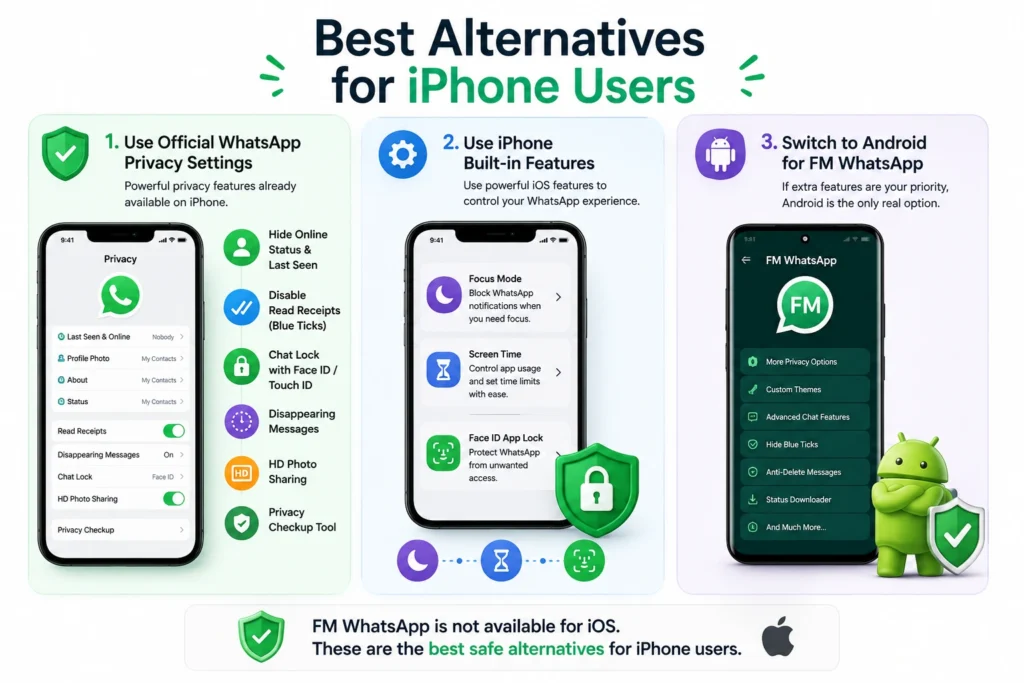
Best Alternatives for iPhone Users
Since FM WhatsApp is not available for iOS, here are the best safe options:
Option 1: Use Official WhatsApp Privacy Settings
The latest WhatsApp for iPhone already includes many useful features:
- Hide online status and last seen
- Disable read receipts (blue ticks)
- Chat lock with Face ID or Touch ID
- Disappearing messages
- HD photo sharing
- Privacy checkup tool
Option 2: Use iPhone Built-in Features
- Focus Mode — block WhatsApp notifications when needed
- Screen Time — control app usage and limits
- Face ID App Lock — protect WhatsApp from others
Option 3: Switch to Android for FM WhatsApp
If extra features are your priority — using FM WhatsApp on an Android device is the only real and safe option available.
Our Recommendation for iPhone Users
After testing common iOS installation methods and reviewing how Apple security works, we do not recommend installing unofficial WhatsApp mods on iPhone. The safest option is always the official WhatsApp app from the App Store.
Warning for iPhone Users
If any website asks you to download FM WhatsApp for iPhone, install a certificate or profile, or complete a survey before downloading — it is a scam. Avoid it immediately to protect your device, Apple ID, and personal data.
Frequently Asked Questions (FAQs)
Final Verdict
FM WhatsApp for iPhone does not officially exist, and any website claiming otherwise should be treated carefully. Many websites publish misleading download pages to attract clicks, but these methods often involve unsafe profiles, fake files, or unreliable installation tricks that may put your privacy and device security at risk.
For iPhone users, the safest and most reliable option is still the official WhatsApp app from the App Store. Over time, WhatsApp has added many useful privacy features for iOS users, including chat lock, online status controls, disappearing messages, HD media sharing, and improved privacy settings.
If you specifically want advanced features like custom themes, anti-delete messages, ghost mode, or deeper customization, FM WhatsApp is currently available only for Android devices.
Pro Tip
If a website promises “100% working FM WhatsApp for iPhone without jailbreak” — it is usually misleading. Always verify information before installing anything on your device.